Safety and falls
Fall Detection Devices for Seniors Living Alone: How to Choose
 Brandon Ro
Published · Updated
For seniors living alone, choose a fall detection device that can alert someone when your parent cannot press a button. Compare a room sensor for family alerts, a monitored pendant for an operator, or a watch with automatic fall detection for outings.
Silvie, the no-camera home safety sensor for older adults, uses radar to detect falls. It sends push notifications to invited family members in the Silvie app.
Quick answer
- Silvie. For a parent who wants family to get fall alerts at home without a camera or wearable.
- Lifeline Canada HomeSafe with Fall Detection. A monitored pendant for a parent who wants a staffed response at home.
- Apple Watch SE 3. For a parent who wants emergency calling on walks and errands.
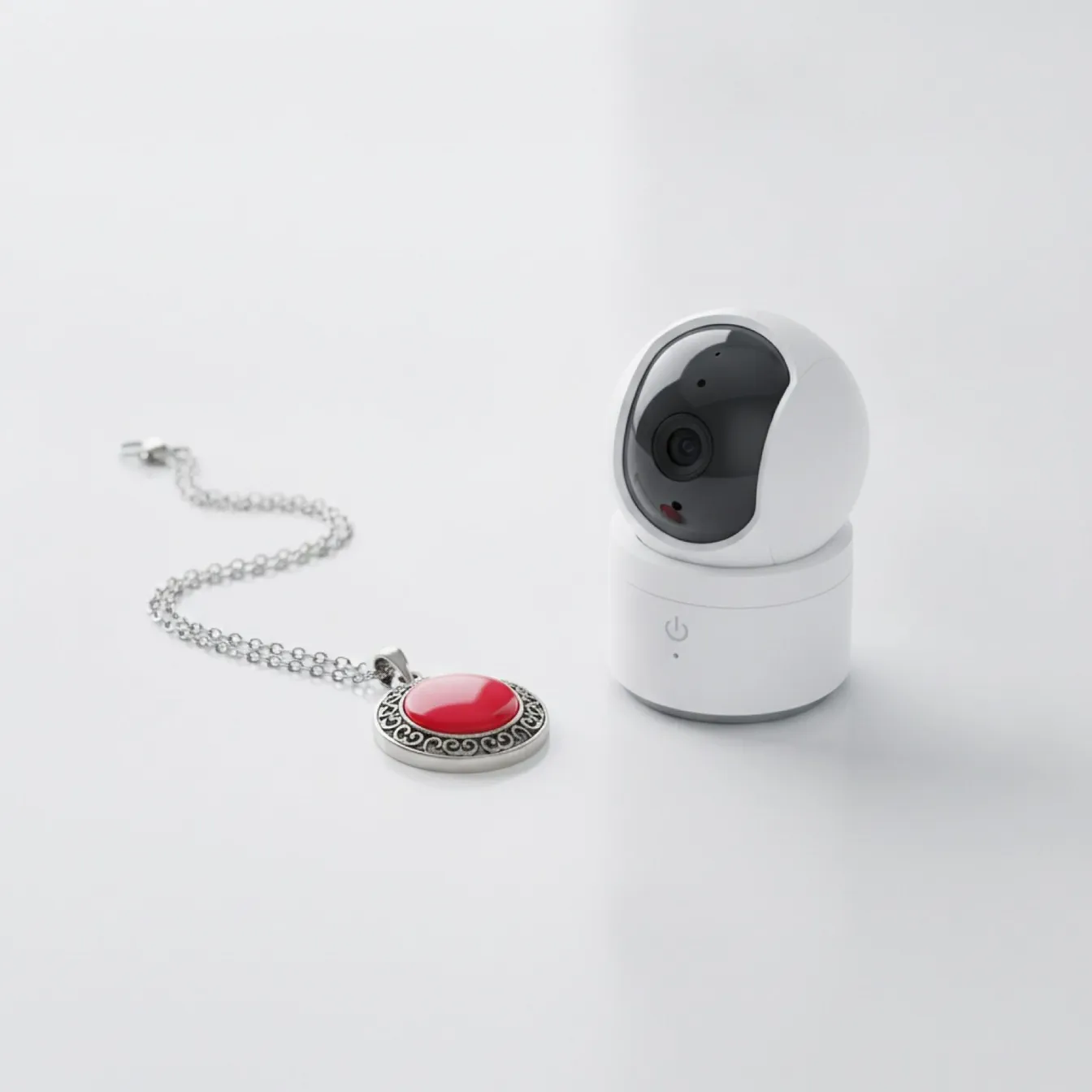
- Kami Fall Detect. An option for a parent comfortable sharing indoor video with approved family or caregivers.
Start with who can answer when your parent is alone
Ask your parent who they want to hear from after a fall. Then check who actually receives the first alert on the plan you are considering. That person might be across town, asleep, or at work when the alert comes in.
- Family first. An app alert goes to the people your parent wants involved. One of them can call your parent to check in.
- A staffed centre first. An operator receives the alert and follows the response plan you set up with the provider.
- Emergency services first. Check what has to happen for the device to make an emergency call. Ask when the device can notify your parent's chosen contacts.
The AARP guide to medical alert systems explains how automatic detection can reach family, a staffed centre or emergency services. Our guide to automatic fall detection and help buttons explains what starts the alert.
Compare fall detection devices by who gets the alert
Read across to see who answers, what the device needs and what it costs. On a narrow screen, scroll across the table to see prices. For a wearable, check that automatic fall detection is part of the exact plan you are pricing.
Prices checked for Aqara, Bay Alarm, GetSafe and Kami. The Lifeline Canada and Vayyar listings were checked on the same date. Apple Watch pricing was checked . These are the makers' advertised prices on those dates. CA$ means Canadian dollars. US$ means U.S. dollars.
| Device | Wear, camera and connection | Who gets the alert | Upfront price | Monthly fee |
|---|---|---|---|---|
| Silvie | Radar mounted in the corner. No camera or wearable. See setup requirements. | Invited family members get push notifications in the Silvie app. | Current hardware price | Current membership price |
| Aqara Presence Sensor FP2 | Ceiling mount for fall mode, with 2.4 GHz Wi-Fi. No camera or wearable. | People set up to get Aqara app alerts | CA$109.99 | No fall alert fee stated. Some newer features may need a subscription. |
| Vayyar Care | Radar on a wall or ceiling. No camera or wearable. Ask about the connection for your site. | Care staff through a nurse call system or app | Request a quote | No rate listed. Ask what service costs. |
| Lifeline Canada HomeSafe with Fall Detection | Wear the pendant within range of a landline or cellular home base. No camera. | Lifeline Response Centre | Ask about setup charges | CA$ rate by quote |
| Apple Watch SE 3 | Wear and charge the watch. Check iPhone setup and the connection for emergency calls. No camera needed. | Emergency services when the watch makes an emergency call, then chosen contacts | From US$249 | No staffed monitoring plan. Cellular service may cost extra. |
| Bay Alarm Medical SOS All-In-One 2 with Fall Detection | Wear and charge the mobile device. Check cellular coverage. No camera. | Staffed monitoring centre | US$149 list price | US$44.95 with fall detection |
| GetSafe with voice-activated wall button | Cellular LTE base. Speak, press or pull to ask for help. Automatic detection is a separate wearable option. | Staffed monitoring centre | Varies by home and equipment | US$29.95 for monitoring. Ask about the extra fall detection option. |
| Kami Fall Detect | Indoor camera with a view of the area. Uses Wi-Fi and wall power. Nothing to wear. | Approved family or caregivers. Kami also lists a monitored service. | US$79.99 for the camera | Two months included. Ask for the monthly rate after that. |
Compare prices for the same job. Compare the price of the setup you would actually use at home. If you want someone on duty to respond, include the fee for staffed monitoring. The full guide to choosing a fall alert device covers more models and plan types.
When your parent leaves the wearable off
Ask where they put their watch at night and when they would take off a pendant. A day spent wearing a device says little about whether they will have it on during a trip to the bathroom.
- Best for a parent who wants fall alerts to go to family without wearing a device. Silvie is mounted in the corner. Your parent can keep their usual routine without putting on a device or pressing a button.
- Best for a family that already uses Aqara. The Aqara Presence Sensor FP2 sends app alerts from a ceiling mount in fall detection mode. Aqara says zone positioning and presence detection are unavailable in that mode.
- Best to ask about if your parent is moving to a staffed residence. Vayyar Care is a radar option for care teams. For a parent living alone in a private home, confirm availability and who would receive alerts before putting it on your shortlist.
- Indoor camera. Kami Fall Detect gives approved people access to video. Ask your parent where a camera could go and who could view it. A room your parent wants to keep off camera needs a different option.
If your parent dislikes the feel of a pendant, let them decide whether a watch would be different. If the issue is taking anything off at bedtime, compare room options first. Our guide to fall detection without a wearable covers that choice.
Agree on who can see information before you invite anyone. Our comparison of camera-free fall detection options explains what these devices can share.
When your parent cannot reach a button or speak
A button can help your parent ask for assistance when they can reach it. The buying question is what would start an alert if they could do neither. Take the exact model name to the provider and ask them to explain a fall where your parent stays quiet.
- Best for staffed help at home if your parent wears a pendant. Lifeline Canada HomeSafe with Fall Detection routes alerts to its response centre. Lifeline says the monthly fee includes maintenance and service for the equipment. Ask the provider how it handles a detected fall when your parent cannot answer.
- Best for asking a staffed centre for help from a wall button. GetSafe's wall button lets your parent speak, press or pull for help. Ask about the separate wearable with automatic fall detection for times your parent cannot do those things.
- Ask what the operator does next. Give the provider two cases. Your parent asks the operator to contact a neighbour. Then imagine the same alert with no reply from your parent. Ask whom the operator contacts in each case.
If your parent wants to speak with the operator, ask where they can do that from. The spot they fall may be in a different room from the base.
Our comparison of staffed medical alert alternatives explains the difference between a wall button, a home pendant and a mobile service.
Walk through bedtime and the bathroom
Ask your parent to walk you through an ordinary evening. Follow the route from the bed to the bathroom door. Then talk through what each device could do at the places they point out.
- At the bedside. Ask what your parent actually keeps on while sleeping. If the watch is charging, ask how they would want to get help when getting out of bed.
- Between rooms. Include doorways and halls in the walk. Ask the maker what its setup covers at each point. Mark places where you would need a separate plan.
- In the bathroom. Ask where your parent puts a wearable while getting ready. Check the maker's bathroom guidance for that exact model. For a room device, check safe placement and ask your parent what they want to share.
Deal with the trip hazards you see during the walk. The CDC's fall prevention guidance recommends clearing things you could trip over, improving lighting and adding grab bars near the toilet.
Keep the regular contact your parent values. The guide to check-ins with a parent who lives alone can help you choose a routine together.
Choose a wearable for walks and errands
Start with a trip your parent already takes alone. Ask whether they bring a phone, what they would wear and whether they want a staffed operator to answer. Shop for that trip as well as their time at home.
- Best for a parent who already wears a watch and wants emergency calling. Apple Watch SE 3 can call emergency services after a detected hard fall when the conditions for an automatic call are met. It can then notify their chosen emergency contacts. Before an outing, check that Fall Detection is on. Apple's instructions explain how to set emergency contacts and what connection the watch needs to make a call away from an iPhone.
- Best for a parent who wants an operator on errands. Bay Alarm Medical SOS All-In-One 2 with Fall Detection connects to a staffed centre. Your parent needs to wear and charge it. Check cellular service along their usual routes.
Ask your parent when they would charge the device. A plan that works on a morning walk still needs an answer for the time they spend getting ready at home. Our guide to Apple Watch settings for older adults explains the watch's setup and emergency calling.
When home and outings call for different devices
Your parent may be happy wearing a watch on walks and want to take it off at home. Or they may want an operator while out and family to respond at home. Compare each part of the day before paying for two devices.
- Write down where the plan changes. Start with the moment your parent unclips a pendant or puts a watch on the charger. Decide how they would get help from that point until they put it back on.
- Price the second device. Check whether it adds an equipment cost or a separate monthly fee. For a mobile device, include any cellular service it needs.
Ask how your parent would keep the second device ready. Leave the charger where they will see it or agree to bring it along on longer trips. If the two devices both send alerts at home, decide how your family will share updates without making duplicate calls.
What an invited family member sees in Silvie
Walk through the alert with your parent and the people they want to invite. The app shows where a fall was detected and keeps an event record your family can review.
- Set up each invitation. The person who owns the home in the app enters a name and email address and chooses which home to share. Each invited family member signs in with the details sent to their email.
- Receive the alert. If Silvie detects a fall, the family members you invite get a push notification in the Silvie app.
- Open the event. The app shows the room, the time of the event and a floor plan with the location. The sensor captures no images, video or sound.
- Check in. Have the person you've agreed on call your parent from their own phone. Tell the others who is handling the check so everyone knows who will follow up.
- Choose recovery notifications. The app has a separate setting for a recovery notification. If you turn it on, the app can notify you when Silvie detects that your parent has stood up after a fall.
- Review what happened. Family members can mark an event as a fall or say they are unsure. They can add notes after checking in. If someone helped your parent get up, the app lets you record who helped and whether your parent was hurt.
- Find the event later. Family can search Fall Alerts History by home, room or date. After the app records a recovery, the event shows how long the fall lasted. Use the record if your parent wants to go over what happened.
See the tour of the Silvie app before inviting family. The app has separate tabs for fall, activity and device alerts. Open Fall Alerts to find the event that prompted the notification.
Check the price and service at your parent's address
Silvie is based in Toronto, Canada. The Silvie shop lists current hardware and membership prices. For a parent in Canada, compare app alerts from Aqara with a staffed service from Lifeline Canada. Ask Lifeline for a quote in CA$.
- For a room sensor. Get the equipment and recurring prices for the setup you are considering.
- For a monitored plan. Ask for the monthly price with automatic fall detection included. Ask what is rented, what you own and what costs extra at setup.
- For any plan sold across a border. Ask the provider to confirm service at your parent's address. A price in US$ describes the offer listed, so confirm the local price and terms before ordering.
Check Canadian availability separately for the other models in the table. The guide to fall detection devices in Canada compares more options and shows which sellers list prices in CA$.
The Public Health Agency of Canada's falls report identifies falls as the leading cause of injury-related hospital stays among Canadians aged 65 and older. If you are making changes room by room, keep the home safety work on the same list as the device purchase.
Make a plan your parent can use
Before you order, talk through one fall at home and one on a regular outing. Say what would start the alert, who would get it and what they would do. Ask your parent which plan feels workable.
- Choose the first place to cover. Start where your parent wants fall detection most. Decide together how you will handle the rest of their daily routine.
- Write down the first and backup contacts. If your family receives the alerts, agree who will check in and who can take over if that person is asleep, at work or away. Give both contacts the home address and unit number. Share entry instructions only with the people your parent chooses.
- Arrange a practice check after setup. Ask the maker how to check that the right party can receive a test alert. Use the maker's instructions and practise the follow-up with your family.
Revisit the plan when someone moves, changes shifts or stops wearing the device. If your parent wants more help between visits, compare ways to check in with an aging parent from a distance.
How we wrote and checked this
We make Silvie. We used our product documentation for the sensor and app details. We chose models that illustrate different ways to get help when no one else is home. We compared the makers' published setup, alert routing and advertised prices using the dates above.
Fall detection questions
What is the best fall detection device for a senior living alone?
Start with who can respond and where your parent needs coverage. Consider Silvie for family alerts at home. A monitored pendant with automatic fall detection suits a parent who wants a staffed response. A fall detection watch can help on outings.
Do fall detection devices work if my parent is not wearing them?
A wearable fall detector has to be worn to detect a fall. A room sensor can detect a fall without your parent putting anything on or pressing a button.
Is there a fall detection device without a monthly fee?
Aqara does not state a monthly fee for fall alerts on the Presence Sensor FP2. Some newer features may need a subscription. The Silvie shop lists current sensor and monthly membership prices.
Can fall detection work without a camera?
Yes. Silvie uses radar to sense movement without capturing images, video or sound. Invited family members get push notifications in the Silvie app.
Can fall detection work in the bathroom at night?
Yes. Each Silvie sensor covers the bedroom or bathroom where it is mounted. A separate room needs its own sensor. Silvie has no outdoor coverage.
Do fall detection devices call 911?
Some devices can. Apple Watch SE 3 can call emergency services after a detected hard fall when the conditions for an automatic call are met. Silvie does not call 911. In an emergency, call your local emergency number.
Can fall detection work without Wi-Fi?
It depends on the device. Lifeline Canada HomeSafe with Fall Detection uses a landline or cellular home base. Silvie needs wall power and 2.4 GHz Wi-Fi. The Silvie app guides you through pairing, mounting and room setup.
Can a fall detector send a false alert?
Yes. A device can miss a fall or send a false alert. Keep your regular check-ins and agree who will contact your parent when an alert comes in.