
Fall detection
Fall detection without a camera: how radar works
 Silvie Team·5 min read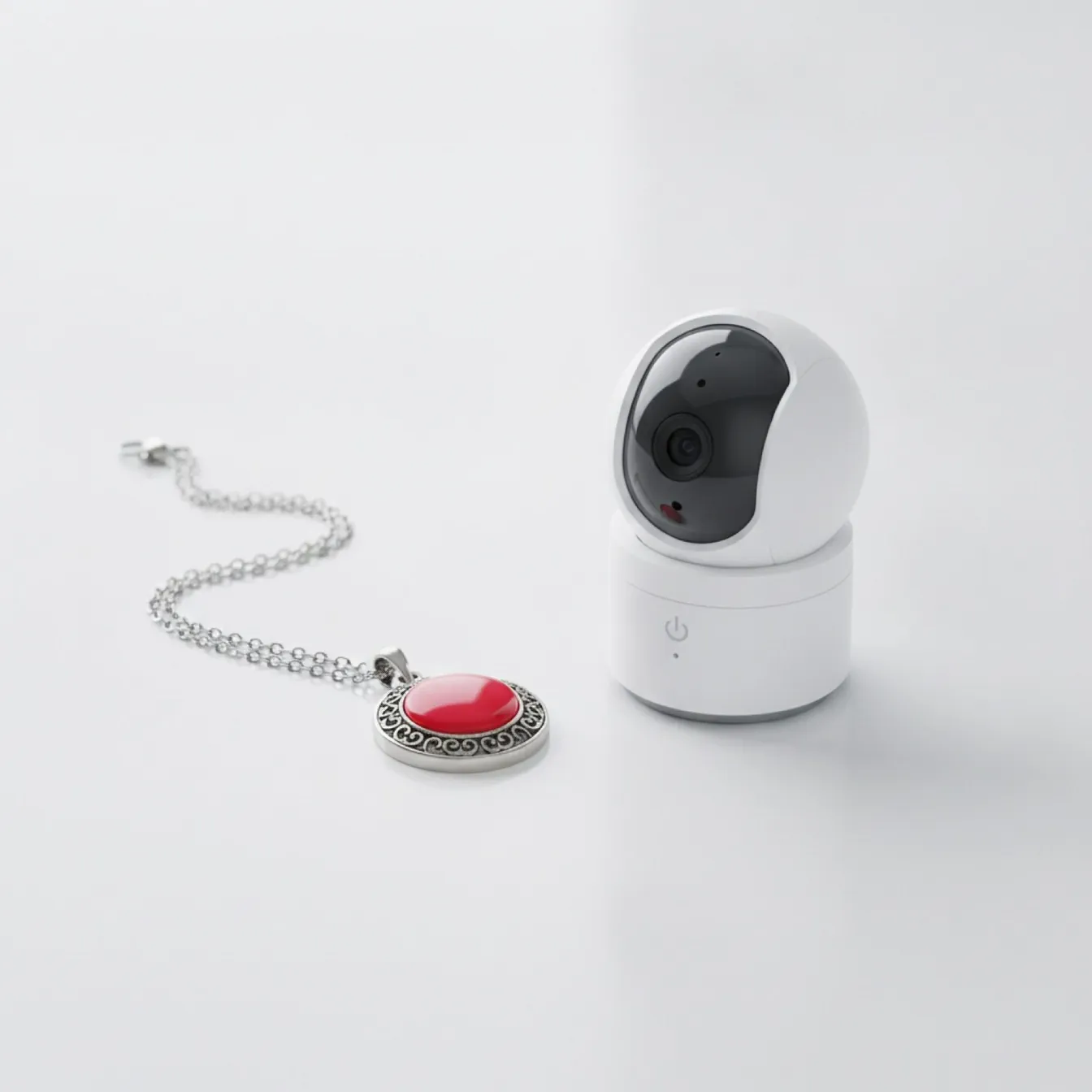
If you are looking into fall detection for an aging parent, you probably want two things. You want to know your parent is safe. You don't want a camera in their home. Radar can detect a fall without a camera.
How radar detects a fall, with no images
The sensor sends out a weak radio signal that bounces off people in the room. From that, it can tell if someone is moving or lying still. It can also detect the sudden movement of a fall. It never makes a picture. There is no lens and no image of your parent. It detects motion. It does not make images.
Silvie does not take pictures or video. Our Privacy Policy lists what data it stores.
Where the usual devices fall short
Each option has different limits. Wearables must be worn to perform their on-body sensing. Cameras depend on placement, an unobstructed view and the model's imaging capabilities. Response services differ in who receives an alert and what happens next. Check those details for the product and plan you are considering.
Which fall detection option suits your family?
Cameras suit families who want to see what happened and whose parent consents to being watched. They need placement with a clear view, and the model's imaging capabilities determine what they catch. Ask who can view the footage and where it is stored.
Wearables (pendants, watches) suit people who will actually wear them all day and night. They must be worn to perform their on-body sensing, and button-only models need your parent to press the button. Ask about battery charging and what happens if it is not worn during a fall.
Radar sensors suit families who want automatic detection with no camera and nothing to wear. A contactless sensor mounts on the wall and detects falls without making any image. Ask which rooms are covered, who receives alerts, and what happens if nobody responds.
| Camera | Wearable pendant | Radar sensor (Silvie) | |
|---|---|---|---|
| Needs to be worn | No | Yes, must be worn to work | No, wall-mounted |
| Makes images or video | Yes | No | No, radio signal only, no lens |
| Works in the dark | Depends on model | Yes | Yes |
| Covers the whole home | One room per camera | Wherever the person is | One room per sensor |
| Who gets the alert | Depends on service | Depends on service | Family you invite in the app |
| Professional monitoring | Some services | Some services | No, family notifications only |
At-home sensing, without a wearable
A contactless radar sensor mounts on the wall, with nothing for your parent to put on, charge, or remember. There is no button to press in an emergency, because the sensor is already set up to detect the fall. And because it is not a camera, it does this without putting a camera in their home.
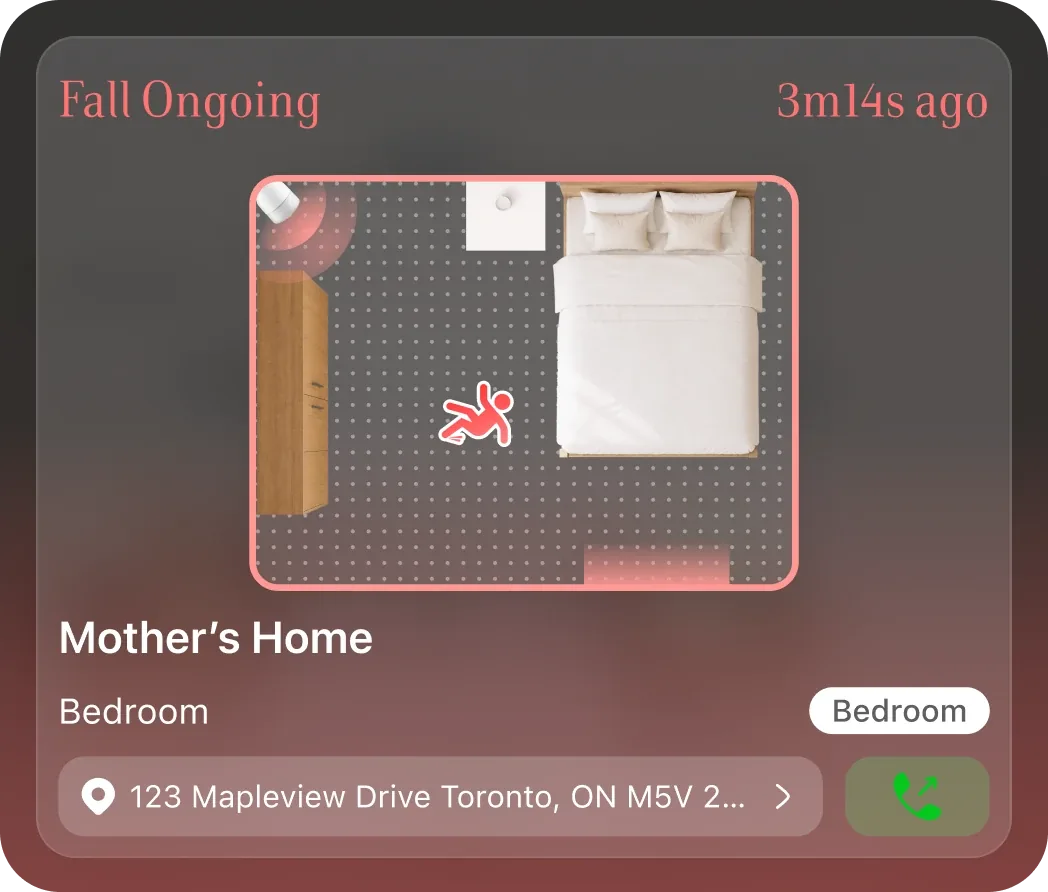
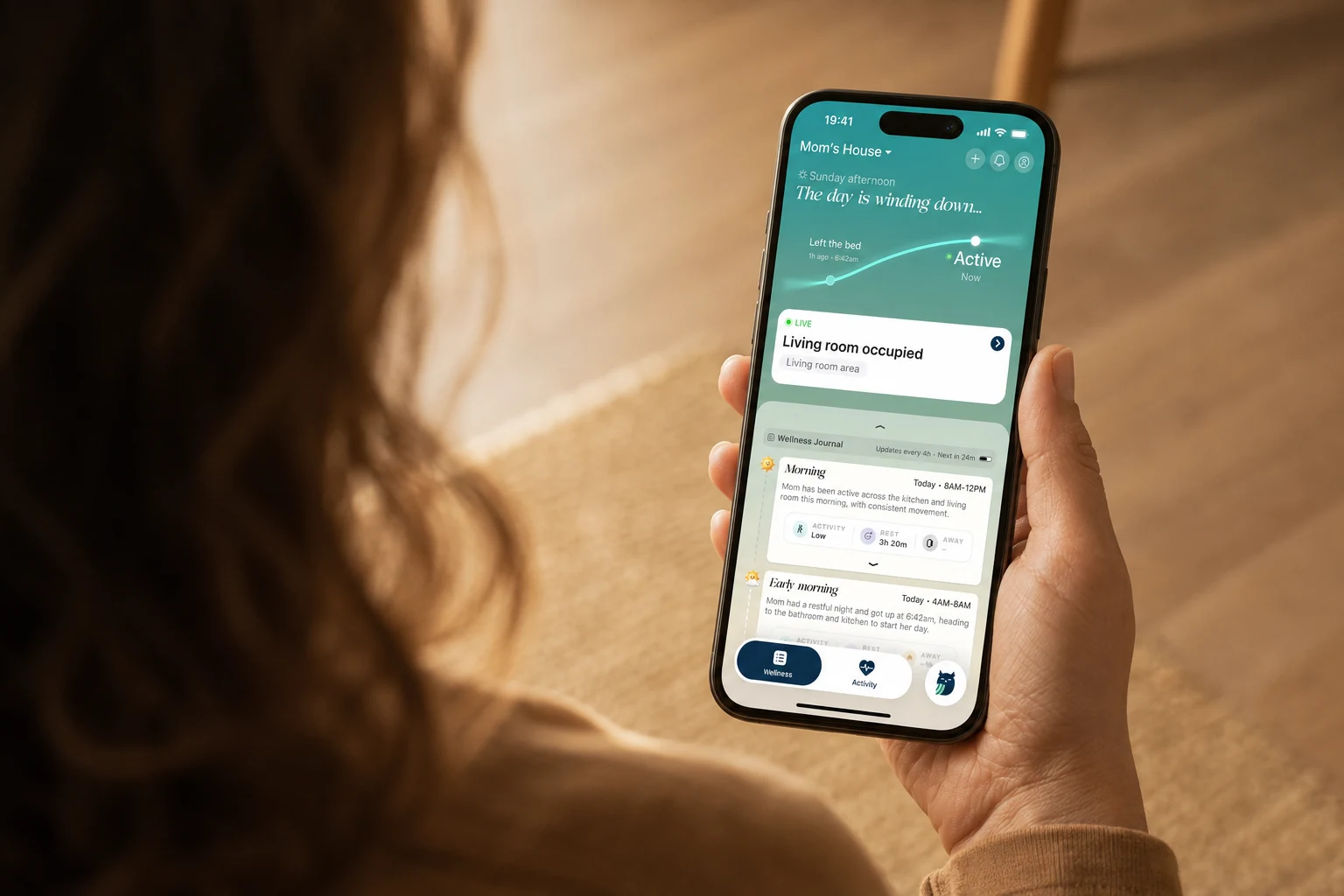
When Silvie detects a fall, it sends push notifications and in-app alerts to the family you invite in the app. Each alert can be reviewed as True Fall, False Alarm, or Not Sure, with notes and the option to call from your own phone. Event records show fall history, location on floor plan, duration, and activity timeline. There is no video, image, or audio; the everyday view shows activity, not video.
What Silvie does not do: it does not send SMS, call your phone, call 911, or route to a monitoring centre.
How to monitor an elderly parent remotely
Every way to stay aware from a distance, from daily calls to radar, and the privacy trade-off each one makes.

Aging in place technology: a family's guide
The four main options and their trade-offs, in one page.
See how Silvie works
See which rooms Silvie covers and how the alert reaches your family.
Explore SilvieCommon questions
What's unique about this system?
Silvie uses radar, not a camera. It detects falls and shows daily activity at home. Your parent has nothing to wear.
What happens after Silvie detects a fall?
Push notifications, plus in-app alerts. No SMS, no phone calls, no 911, no monitoring centre. Invited contacts review each alert as True Fall, False Alarm, or Not Sure. They can add notes or call from their own phone. Event records: fall history, location on floor plan, duration, activity timeline. No video, image, or audio.
How hard is it to set up?
Mount the sensor. Plug it in with the adapter and cable in the box. Connect to Wi-Fi. The app walks you through the rest. No special wiring is needed. Each sensor covers the room it is installed in; coverage depends on placement.
What if a fall is missed?
When Silvie detects a possible fall, it sends a push alert to the emergency contacts the family chose. They can check the alert in the app, then call or visit. Silvie does not call 911.
What if there is a false positive?
False alerts can happen. The people you invite can review each alert in the app and mark it True Fall, False Alarm or Not Sure.