



19:41
Room
Yesterday
Today
BedroomLiving roomKitchenKitchen 2
Bedroom
BedCouchUnzonedOffline
12AM24681012PM24681012AM
Bedroom
Total: 5h 2m
Livingroom
Total: 6h 2m
Kitchen
Total: 1h 2m

 SILVIEnow
A fall was detected in Mom’s living room at 2:47 PM.
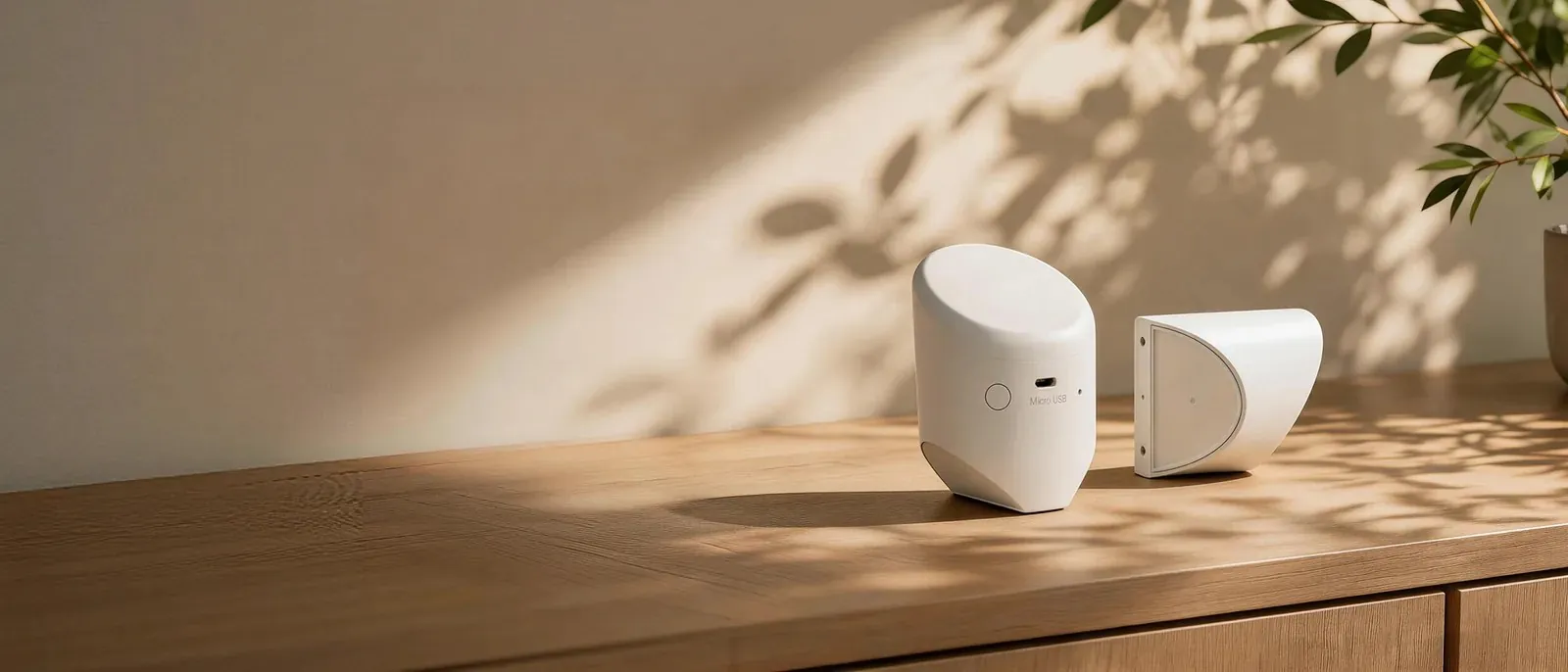
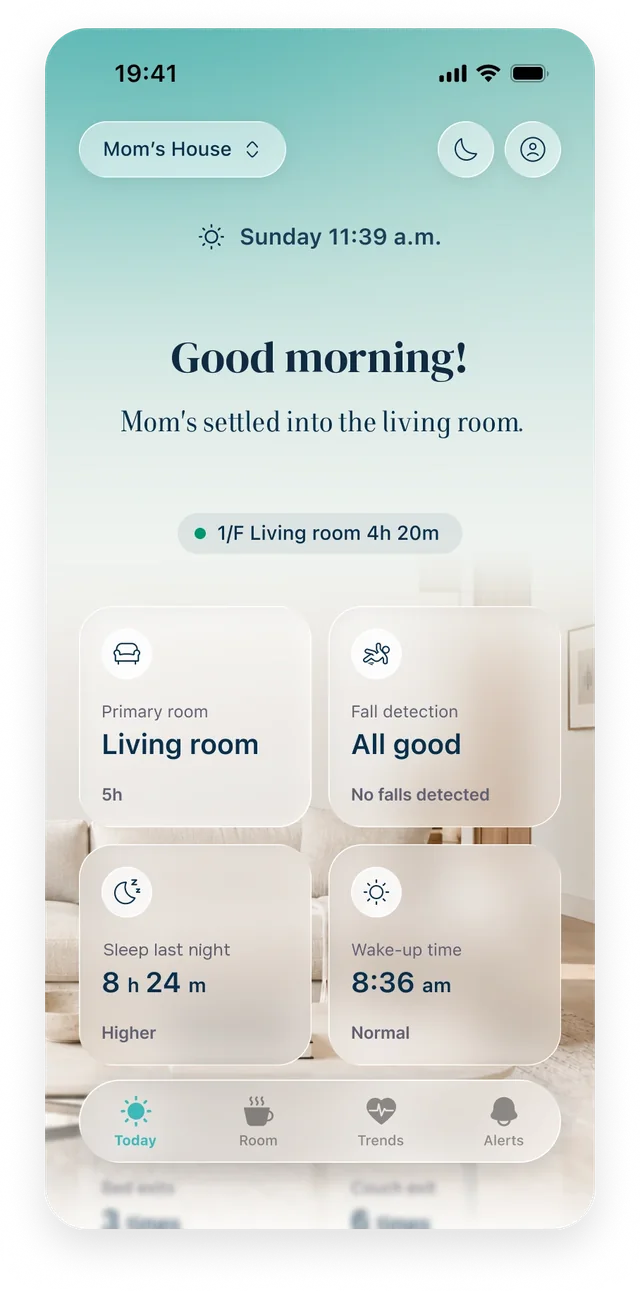
A small radar sensor that alerts you if your parent falls, and shows how their sleep, daily activity and health are changing over time.
$150 per sensor, or 3 for $399
Each room requires its own sensor. We recommend at least the bedroom, bathroom and living room.** You can add rooms later at any time.
Arrives in 3–5 business days
About 5 to 10 minutes per room. Everything you need to install it is in the box.
Download the Silvie app on your phone and create your account. It walks you through the next two steps.
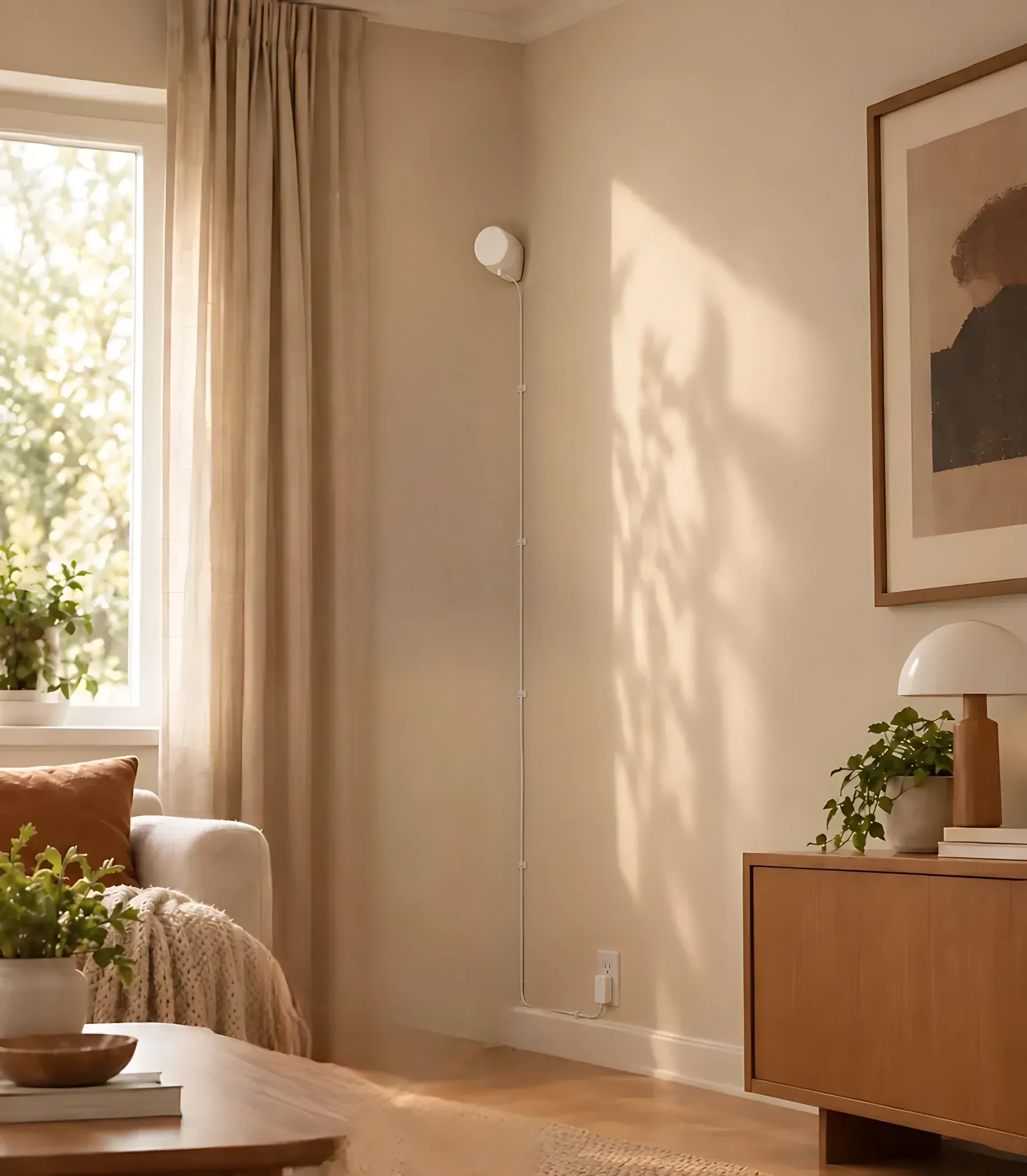
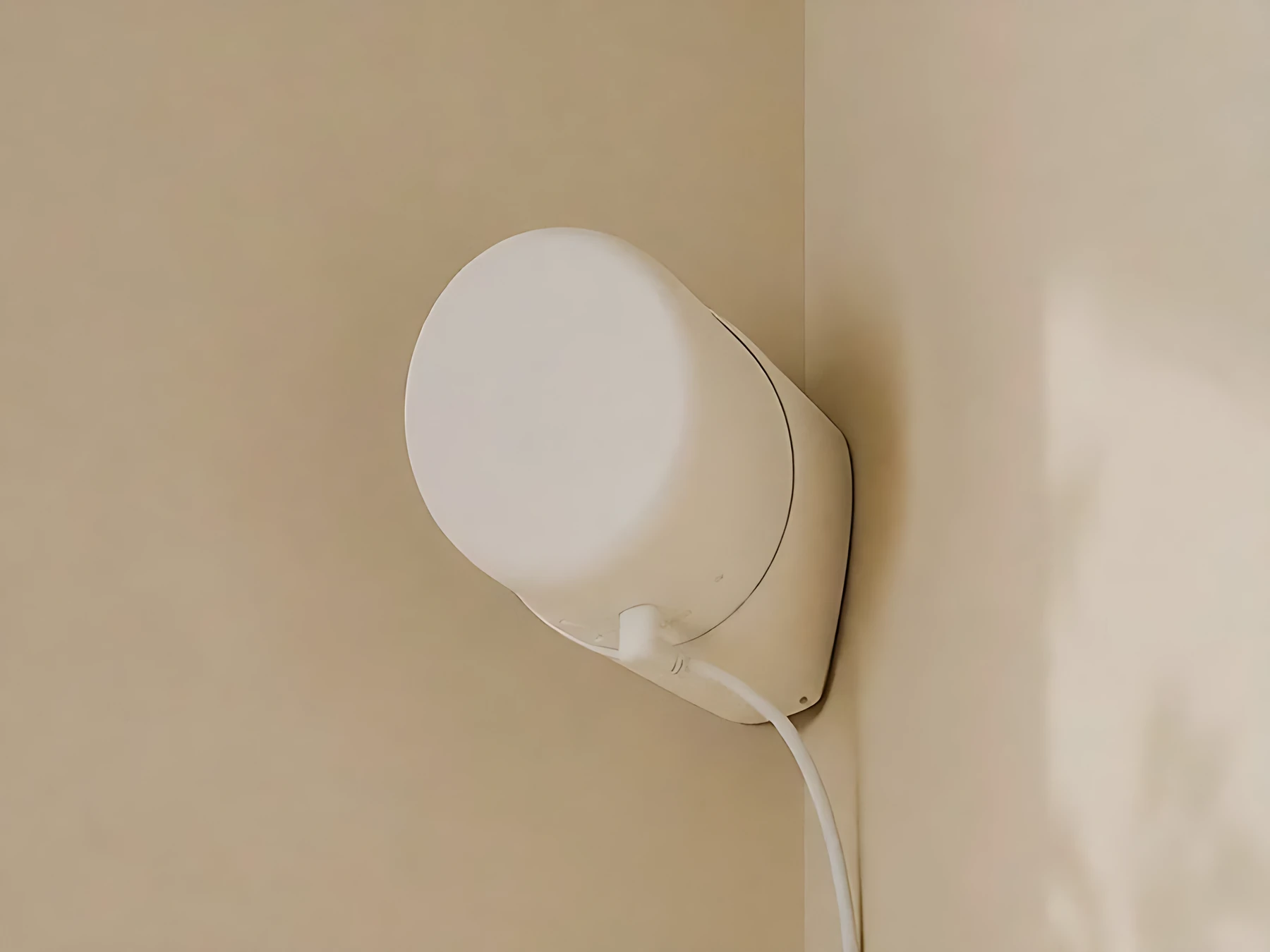
Plug the sensor into a wall outlet, then attach it in a corner, 2 m from the floor.
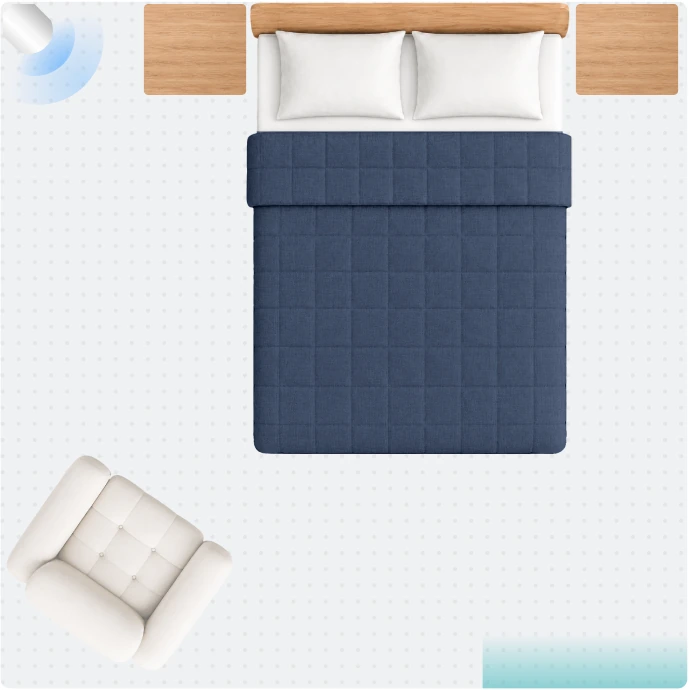
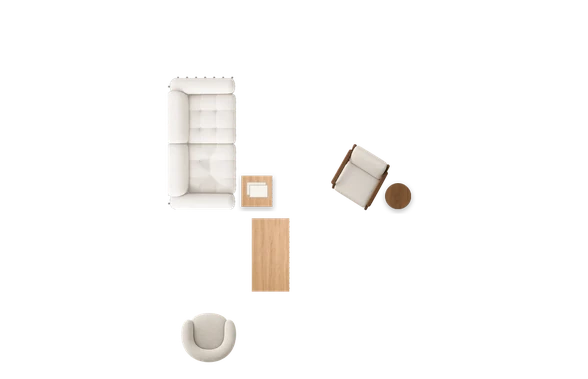
The sensor uses radar to map the room’s size and shape. Then drag the bed, chairs and other furniture into place in the app.
It gives her that peace of mind again. So we can actually have like a normal conversation about life and not just about health related issues.
…it’s going to be a hugely valuable asset to so many people and families like ours.
Each room needs its own sensor. Start with the rooms where falls are most likely and where your parent spends the most time: usually the bedroom, bathroom and living room. You can add rooms any time, or book a free call and we’ll help you choose.
In a corner of the room, about 2 m (6.5 ft) from the floor and within reach of a wall outlet. From there, one sensor covers up to 6 m × 6 m (about 390 sq ft). If a room is bigger, or your parent’s home is one open space like a studio, add a second sensor to cover the rest of it. Not sure what your parent’s layout needs? Book a free call and we’ll help you plan it.
Yes. Many families set Silvie up during a visit, and everything after that is managed from your phone. If you can’t be there in person, book a free call and we’ll walk your parent or a helper through it.
Yes. Invite as many family members as you like at no extra cost. Everyone you add gets fall alerts on their own phone and can check in on activity in the app.
Silvie uses low power radar. The sensor can tell where someone is, how they’re moving and how they’re breathing. If it detects a fall, it alerts you and your family through the app. It can’t see through walls, so it only monitors the room it’s set up in.
Within about a minute. Silvie waits a moment to confirm your parent is still on the floor before sending the alert, which helps prevent false alarms. Then everyone in your family who’s set up for alerts gets a notification on their phone.
No. Silvie has no camera and no microphone, so it never captures images or sound. Your family sees a simple floor plan with a dot showing where your parent is, plus their activity and sleep patterns. It can’t show what your parent looks like or hear what they say.
The membership powers everything the sensor does for you: fall alerts, the Silvie app and your parent’s activity history. Without it, the sensor can’t notify anyone. One membership covers every sensor in the home, and your first 30 days are free.
No. The app is for you and the family members you invite. Your parent doesn’t need to use a phone, wear anything or press anything.
Yes. Each sensor connects to the home’s 2.4 GHz wifi to send alerts and activity to your phone. If your parent doesn’t have wifi, book a free call and we’ll talk through your options.